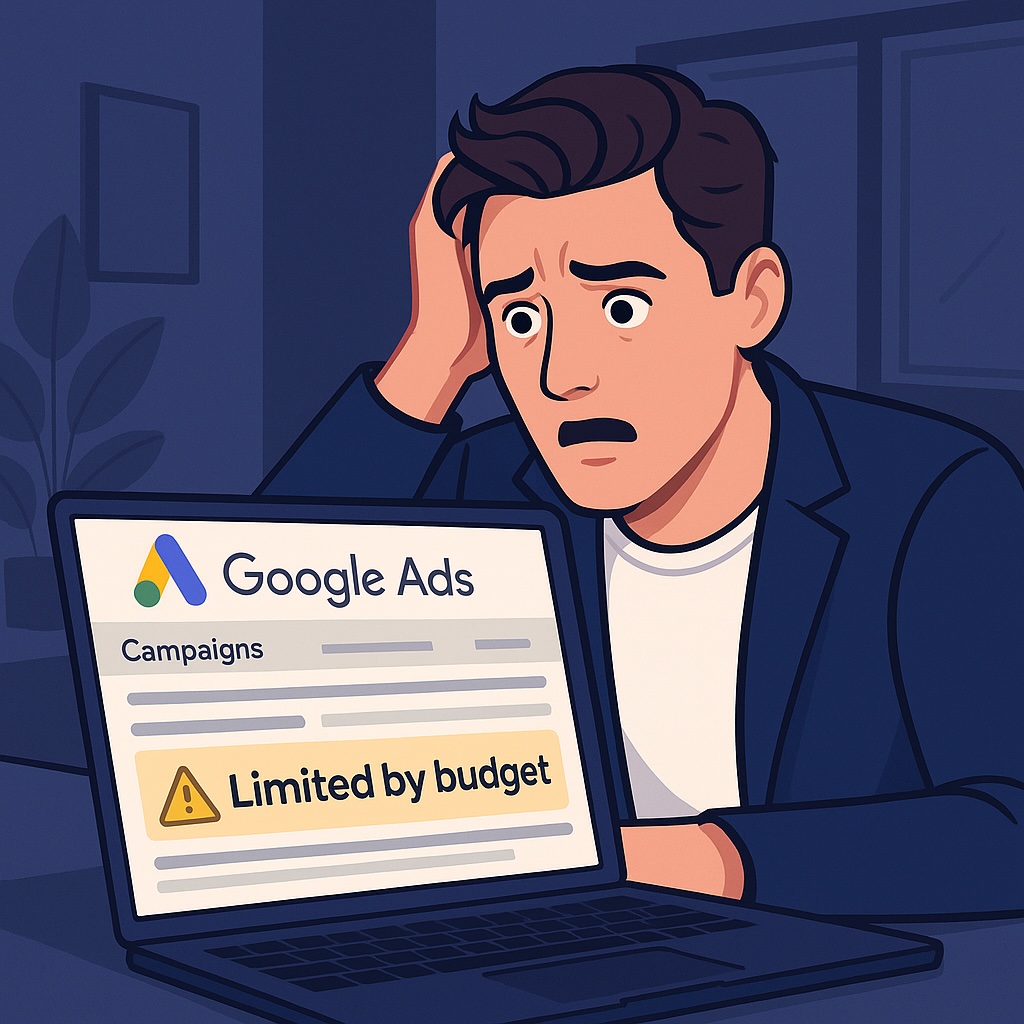
Google Ads loves a warning label, but nothing rattles business owners quite like seeing Limited by budget. It pops up, you tense up, and the first thought is usually, “Are my ads still showing properly?” or “Am I missing out on decent leads because the budget’s running out too fast?”
That’s the real worry. Not disaster. Just the sense that your campaign isn’t performing at full strength.
The good news is that this warning doesn’t always mean you need to increase anything. In many cases, you can fix it simply by tightening the account. If you’re new to running campaigns, you might also find this helpful: Google Ads for SMBs: How to Get More Bang for Your Buck.
Why Does Google Say My Campaign Is ‘Limited by Budget’?
Your ads try to show across the whole day. Imagine pouring one bottle of water into ten cups at once. Some get filled. Some barely get a drip. Some overflow.
That’s what happens when your budget is stretched across too many searches, too many themes, or too much traffic that isn’t likely to convert.
Google looks at your daily performance and forecasts how often you could appear. If your current budget can’t support that level of visibility, the system flags the warning.
This warning isn’t a penalty. It isn’t telling you something is broken. It simply means there’s more demand than your current budget can supply.
If you want to understand where your account might be leaking spend, this breaks it down clearly: 3 PPC Settings That Are Draining Your Budget.
Is It Possible to Remove the Message Without Raising My Budget?
Yes. Quite often.
Most small businesses assume the only fix is to spend more, but Google Ads doesn’t work like that. If your targeting is too broad or your bids are too aggressive, your budget evaporates long before the day is done.
Tighten things up and your budget starts working harder. The warning often disappears without touching your spend.
Fixing ‘Limited by Budget’ Without Spending More
Focus on Keywords With Clear Intent
Not every search carries the same intent. Some show buying signals. Others show curiosity.
High-intent keywords are typed by people ready to act. Low-intent searches are usually window shoppers.
Those early-stage terms are often the reason your budget is gone by lunchtime.
If you run a service business that depends on local customers, you may also find this useful: How to Advertise Locally With Google Ads.
Tidy Up Your Keyword List
Your search terms report is where you find the truth. It shows exactly what real people typed before they clicked.
If half those terms don’t match what you sell, that’s wasted budget. Add negative keywords and block irrelevant searches.
This article digs deeper into common PPC mistakes and wasted spend: 8 Common PPC Mistakes E-commerce Brands Make.
Make Your Campaign Simpler
Lots of accounts burn money because they’ve spread themselves too thin. Too many ad groups, too many themes, and too many ideas competing for scraps.
A cleaner structure channels your budget into what works.
Adjust How Aggressively You Bid
High bids push your ads into more auctions. More auctions means faster spend.
Dial those bids down and your budget lasts longer. Sometimes this alone clears the warning.
Only Show Ads at the Right Times
If leads never come in at 2am, stop paying for 2am clicks.
Cut the dead hours. Focus on the times your customers actually appear.
Focus on the Right Locations
A classic budget killer is targeting too broad an area. If you only serve a specific radius, don’t advertise nationwide.
This article helps clarify how local intent affects visibility: How to Get Found in Near Me Searches.
Improve Your Ad and Landing Page Quality
Google rewards relevance. Better relevance means cheaper clicks. Cheaper clicks mean your budget stretches further.
If you want to tighten up your landing pages, this guide walks through what matters most: How to Create High-Converting Landing Pages for Google Ads.
And if you want to go deeper into CRO: 12 Website Optimisation Tips to Turn Visitors Into Leads.
When You Really Do Need a Bigger Budget
Some industries are naturally expensive: legal, finance, renovations, specialist B2B.
If you’ve already tightened everything and your campaign is still constrained, that’s when increasing budget becomes the right move.
But increase it after fixing the leaks. Not before.
Take Back Control of Your Budget
The biggest win is always intent. When your budget focuses on people ready to act, the entire campaign becomes easier to manage.
And remember: Google will always present more ways to spend money. Your job is to stay in control, keep things tight, and only scale when the system is genuinely ready.
If you want an expert pair of eyes on your account, you can request a review here: Free SEO Audit. It’s branded as an SEO audit, but most clients mention PPC at the same time.